How we teach presentation tools

Most people were shown presentation software as a collection of buttons and menus, not as a way of shaping ideas. Otaplalvetolaxwioned flips that. The teaching approach starts with what you want your audience to think or do, then shows how each software decision either supports or weakens that outcome. Lessons follow a simple chain: explain the concept in plain language, demonstrate with a side by side example, invite you to try it on your own material, and then guide you through a quick reflection so the insight sticks. This rhythm respects the way busy adults and students actually learn new tools: in short bursts, tied to real tasks, with space to test and adjust rather than memorise long feature lists.

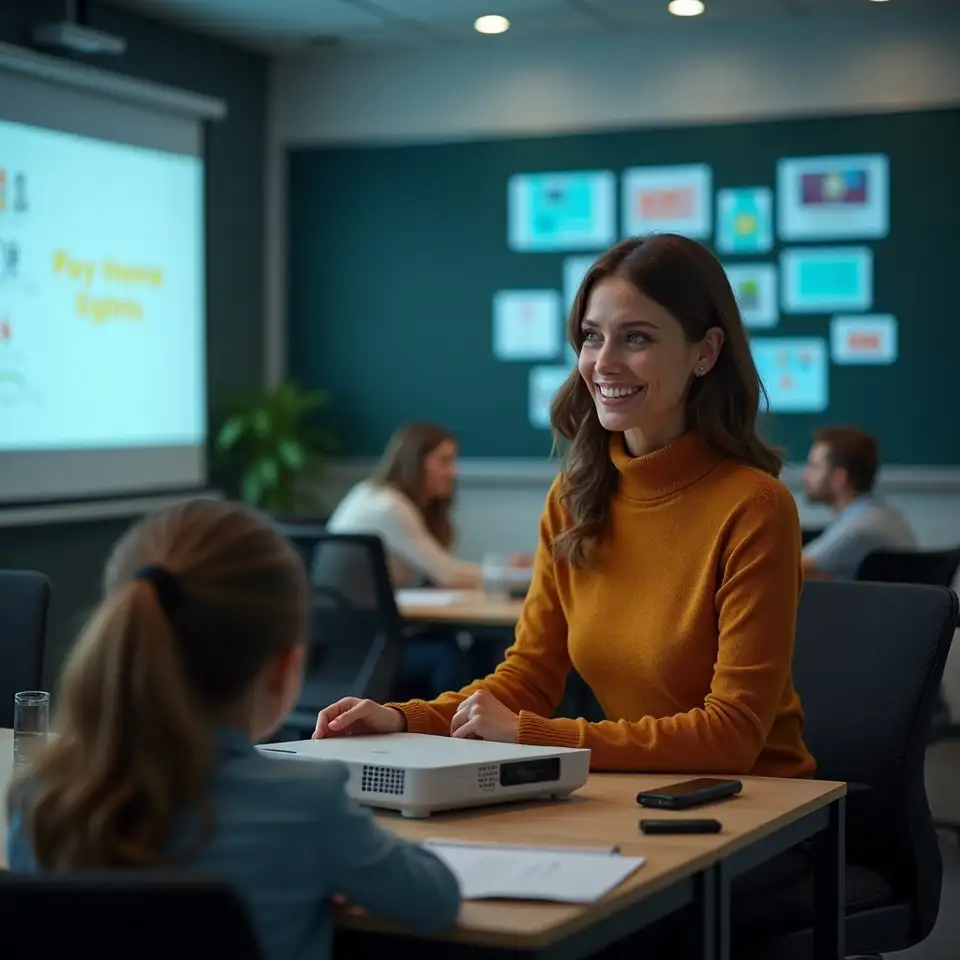
Group learning about slides together

A practical, hands on philosophy for learning presentation software

Lesson structure that respects how adults learn

Each lesson follows a steady pattern: explain the idea in simple terms, demonstrate it on a real example, invite you to try it with guided steps, and then help you reflect on what changed so the learning carries into your next presentation.

Explain the concept clearly

The instructor introduces one focused idea, such as reducing text on a slide or using presenter view. The explanation connects the concept to real frustrations, like audiences reading ahead or speakers losing their place, and outlines the cause and effect chain involved.

2

Demonstrate on real examples

Next, the instructor applies the idea to a realistic slide deck while you watch. You see the original and revised versions side by side, with commentary on each decision, so you can link specific menu actions to visible changes on screen.
You observe the steps and their visual impact together.

Guided individual practice

You then follow a guided activity using either provided sample slides or your own material. Clear prompts and checklists keep you moving, while optional variations let more confident users push further without leaving beginners behind.

4

Reflect and plan next steps

Finally, you answer a few reflection questions about what felt easier, what still felt awkward, and how your audience might respond. This turns each lesson into a building block for your own approach rather than a one off exercise.

You capture insights so they stick for next time.

Values that shape our work

Behind every slide example and worksheet are a few simple values that guide how Otaplalvetolaxwioned designs, updates, and delivers its presentation software content.

What people say about the teaching style

Learners consistently mention that the teaching style feels direct but supportive, with clear reasons behind every recommendation and room to adapt methods to their own context.
"The teaching approach never assumed we had endless time or perfect attention spans. Each concept was introduced with a concrete problem, then demonstrated with our kind of content. The reflection prompts helped me turn those ideas into habits, rather than one impressive workshop I would later forget."
Teacher standing near projected slides
Course coordinator, Regional college
"I liked that the instructors explained why a suggestion worked instead of just saying do this. Seeing the side by side comparisons made the cause and effect obvious. The only challenge was resisting the urge to fix every old deck at once, but the team kept reminding us to start with the next important presentation."
Professional speaking in office meeting
Team manager, Consulting firm

Your cookie preferences control

This site uses cookies to keep the platform secure, understand how visitors use the content, and remember your preferences. You can accept all cookies, reject non essential ones, or adjust settings at any time in the cookie controls.

Essential cookies

Essential cookies keep the site secure, remember your preferences, and make basic features like navigation work smoothly.

Analytics insights

Analytics cookies help us understand which pages visitors read most, so we can improve explanations and resources over time.

Preference settings

Preference cookies store your choices about language, cookie settings, and accessibility options for later visits.